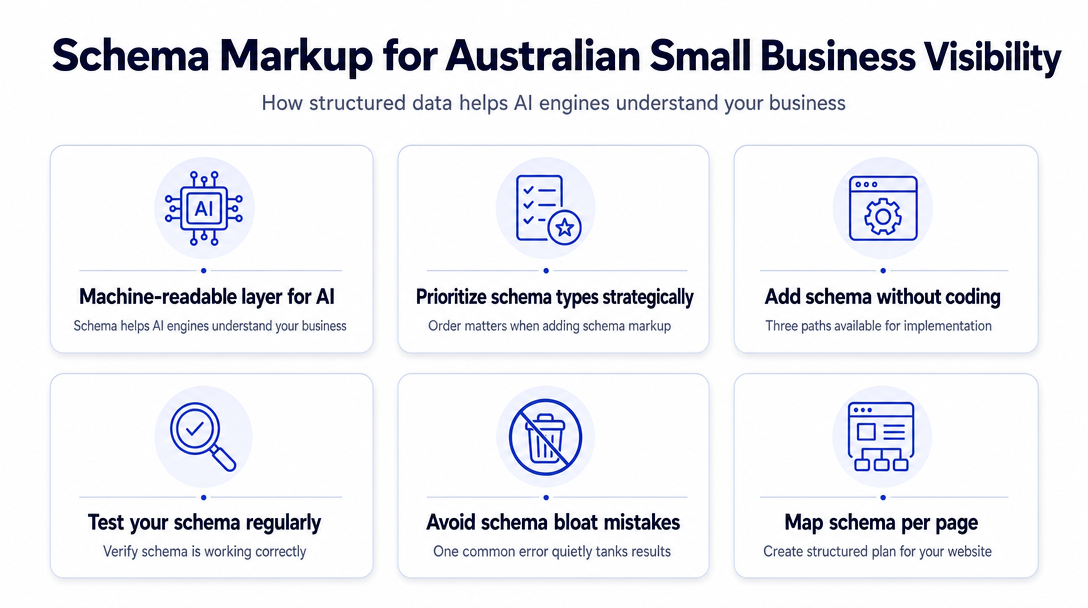
What Is Schema Markup and Why Does It Make Australian Small Business Websites More Visible to AI Search?
Schema markup is the structured data layer that AI engines parse to understand what your business is, what it offers, and why it should be cited in an…
What Is Schema Markup and Why Does It Make Australian Small Business Websites More Visible to AI Search?
Schema markup is the structured data layer that AI engines parse to understand what your business is, what it offers, and why it should be cited in an answer. Without it, your website is readable to humans but largely invisible to the systems powering ChatGPT, Google AI Overviews, and Perplexity. Adding the right schema types - in the right order - is one of the fastest ways to improve your AI search visibility without touching your content.
What follows is a five-level Schema Priority Stack - the sequence in which Australian small businesses and sole traders should add schema markup for the best return on effort. Before diving in: if you want to understand why AI visibility matters or how to audit your current GEO score, the prior articles in this series cover that ground - this article is purely about implementation.
Why Schema Markup Is the Machine-Readable Layer AI Engines Actually Use
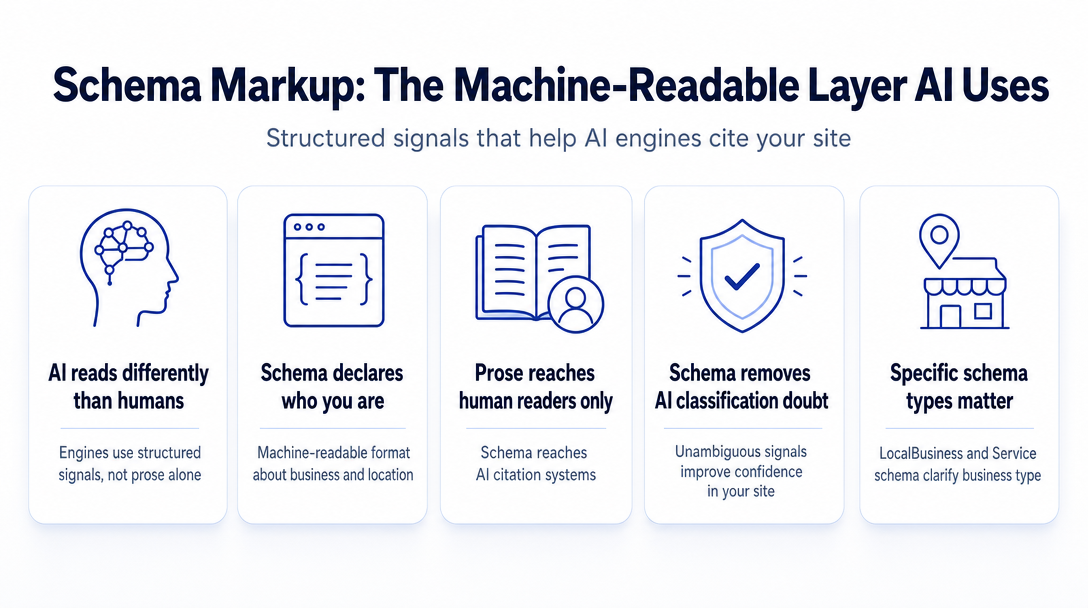
AI engines do not read your site the way a person does. When ChatGPT or Google AI Overviews pulls together an answer, it is drawing on structured signals - declarations your site makes in machine-readable format about who you are, what you do, and where you do it. Schema markup is that declaration layer.
Prose content on your pages communicates to human readers. Schema communicates to the systems that decide whether to cite you. A well-written service page with no schema is harder for an AI engine to classify confidently. The same page with LocalBusiness and Service schema gives the AI an unambiguous signal: this is a plumbing business in Melbourne that services the inner suburbs.
If you have already read why AI search works differently from keyword SEO and the seven dimensions a GEO audit checks, this article picks up at the practical layer: the exact code you add, the order you add it, and how you verify it works.
The Schema Priority Stack - Which Types to Add First (and Why the Order Matters)
Not all schema types are equal, and adding them randomly wastes time. The Stack below is ordered by the signal value each type delivers relative to the effort required. Start at level one and work down.
1. Organisation or LocalBusiness Schema (Priority 1)
This is the foundation. Before AI engines trust anything else on your site, they need to know who you are as an entity. Organisation and LocalBusiness schema are your business identity declaration.
Which one to use:
- Use
LocalBusinessif your business serves customers at or from a physical location - a shopfront, clinic, studio, or office customers visit. - Use
Organisationif you operate entirely online with no physical premises (a fully remote consultant, a SaaS product, an online-only retailer). - Most Australian sole traders and service businesses fall into a third category: you have no shopfront, but you serve a defined geographic area. In that case, use
LocalBusinesswith aserviceAreafield instead of a street address - you are not required to publish a home address.
Minimum fields to populate:
Where it goes: Homepage and contact page.
The sameAs field deserves a specific call-out: it is the mechanism that connects your website entity to your Google Business Profile and social profiles. AI engines use it to confirm that the business on your website and the business listed elsewhere on the web are the same entity. Include every verified social profile URL and your Google Business Profile URL here.
2. Service Schema (Priority 2)
Once AI engines know who you are, tell them exactly what you offer. Service schema is particularly important for sole traders and service businesses - plumbers, consultants, coaches, bookkeepers - where the service itself is the product, not a physical item.
Key fields: name (the service name), description (plain language, 1-2 sentences), provider (linked back to your Organisation or LocalBusiness), areaServed (the suburb, city, or region you serve).
The areaServed field is especially useful for businesses that cover a geographic area without a fixed shopfront. A mobile electrician covering the northern suburbs of Brisbane can declare that explicitly - AI engines serving location-based queries will weight it accordingly.
Where it goes: Each core service or offering page.
3. Article / BlogPosting Schema (Priority 3)
If your business publishes blog posts or articles, this schema tells AI engines that your content is authored, credible, and datestamped. All three are trust signals that AI citation systems weight.
Key fields: headline, author (a linked Person entity with name and url), datePublished, dateModified, publisher (linked back to your Organisation).
The author entity is the element most businesses skip - and it is increasingly the differentiator. An article attributed to a named person with a linkable profile reads as more credible to AI systems than one published by an anonymous domain. If you are a sole trader, adding your own Person entity on your About page and linking to it from every article is one of the simplest high-return steps you can take.
Where it goes: Every blog post or article page.
4. FAQPage Schema (Priority 4) - The May 2026 Update You Need to Know
Here is the change that caught many businesses off-guard: as of May 7, 2026, Google deprecated FAQ rich results. The expandable question-and-answer blocks that used to appear directly in Google Search - those are gone. Google confirmed this in its structured data documentation, and it has been independently verified by Australian SEO publishers.
What this does NOT mean: FAQ schema is dead. It means one specific display benefit in Google Search no longer applies.
What still works: ChatGPT, Perplexity, and Gemini continue to parse FAQPage markup when selecting sources for AI-generated answers. The schema signals that your page contains structured question-and-answer content - exactly the format AI engines prefer to cite. The rich result display benefit is gone; the AI citation benefit remains.
Verdict: Keep writing FAQ content on your pages. Keep adding FAQPage schema. Just adjust your expectations - the value is now in AI citation, not in Google SERP display.
Where it goes: Dedicated FAQ pages, service pages with a common questions section, About page.
5. BreadcrumbList Schema (Priority 5 - the Quick Win)
BreadcrumbList schema tells AI engines how your pages sit within the structure of your site - which signals content organisation and the relevance of each page within the broader context. It takes ten minutes to add and is often already handled by your CMS plugin.
Before adding it manually: Check whether Yoast SEO or RankMath (if you use WordPress) is already generating it. Both plugins handle BreadcrumbList automatically when configured correctly. Adding it again manually creates a duplicate conflict.
Where it goes: All interior pages.
How to Add Schema Without Touching Code - Three Paths
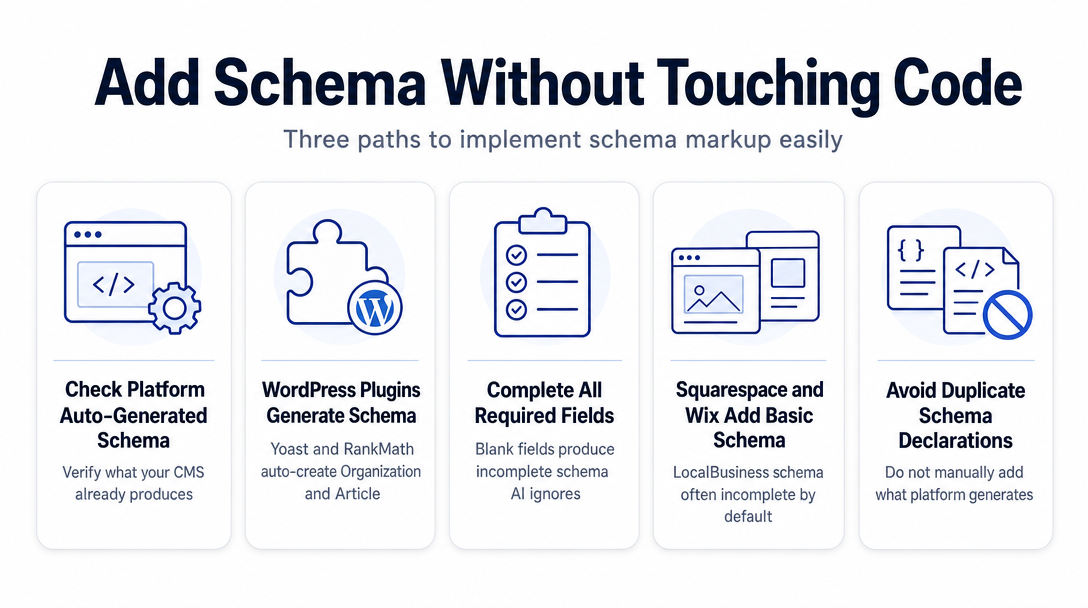
Most small business owners assume schema requires a developer. It does not. Choose the path that matches your setup.
Path 1 - Check What Your Platform Already Generates (Start Here)
Before adding anything, check what your CMS is already doing:
- WordPress with Yoast SEO or RankMath: Both plugins auto-generate
Organisation,Article, andBreadcrumbListschema when configured in their settings. Go to the plugin's Schema settings panel and verify the fields are populated with your real business details. Incomplete fields (blank address, missing business name) produce incomplete schema that AI engines partially ignore. - Squarespace and Wix: Both inject basic
LocalBusinessschema automatically, but the fields are often incomplete. Run your homepage through the validation tools in the next section to check what is actually being output. - Shopify: Handles
Productschema natively.OrganisationandArticleschema require either a plugin or manual addition.
If your platform is already generating a schema type, do not add it again manually - duplicate declarations conflict.
Path 2 - Use a Free JSON-LD Generator
JSON-LD is a JavaScript snippet placed in the <head> of your page. Per Google's official structured data documentation, JSON-LD is the preferred format because it sits separately from your HTML content - you are not modifying the visible structure of your pages, just adding a structured signal in the head.
Free tools that generate clean JSON-LD with no signup required:
- iloveschema.com: Fill in your business details, click Generate, and you receive clean JSON-LD ready to paste. No coding, no account.
- Google's Structured Data Markup Helper: Available via search; lets you highlight elements on your live page and generates the corresponding JSON-LD.
Once you have the generated code, paste it into the <head> section of your page. Most CMS platforms have a "Header Scripts" or "Custom Code" field in their settings - this is where it goes. If your platform does not have that option, Google Tag Manager can inject the snippet without any page editing.
Path 3 - Use AI to Draft It, or Skip the Manual Work Entirely
ChatGPT or Claude can generate valid JSON-LD for any schema type if you paste in your business details and specify the type you need. Always run the output through the validation tools below before publishing.
Prefer to skip the manual steps entirely? Fulcrum AI scans your site, identifies which schema types are missing, and generates the exact JSON-LD you need - ready to copy and paste, no developer required.
How to Test Whether Your Schema Is Working
After adding schema, verify it before assuming it is live and correct. Two free tools handle this:
The Two-Minute Schema Health Check: What to Look For and What to Ignore
1. Google Rich Results Test (search.google.com/test/rich-results)
Paste your URL or your JSON-LD code snippet. Google returns which rich result types your schema qualifies for, plus any errors or warnings. Important note for 2026: if you have valid FAQPage schema and the tool shows no FAQ rich result eligibility, that is expected - the rich result was deprecated in May 2026, not an error in your markup.
2. Schema.org Validator (validator.schema.org) Checks that your markup is syntactically correct against the Schema.org vocabulary. Use this if Google's tool shows no errors but something still feels off - it catches semantic issues the Rich Results Test sometimes misses.
Common errors to fix:
- Missing required fields:
nameonLocalBusinessis the most frequently absent field. The validator will flag it. - Microdata instead of JSON-LD: If your schema uses HTML attributes like
itemscopeanditempropdirectly in your content markup, that is Microdata - an older format. Switch to JSON-LD for cleaner implementation and easier maintenance. - Duplicate schema from conflicting sources: A plugin generating
Organisationschema and a manually addedOrganisationblock will conflict. Remove one. - Schema describing content not on the page: Google penalises schema that misrepresents page content. Only add schema types that match what the page actually contains.
The One Mistake That Quietly Tanks Your Schema (Schema Bloat)
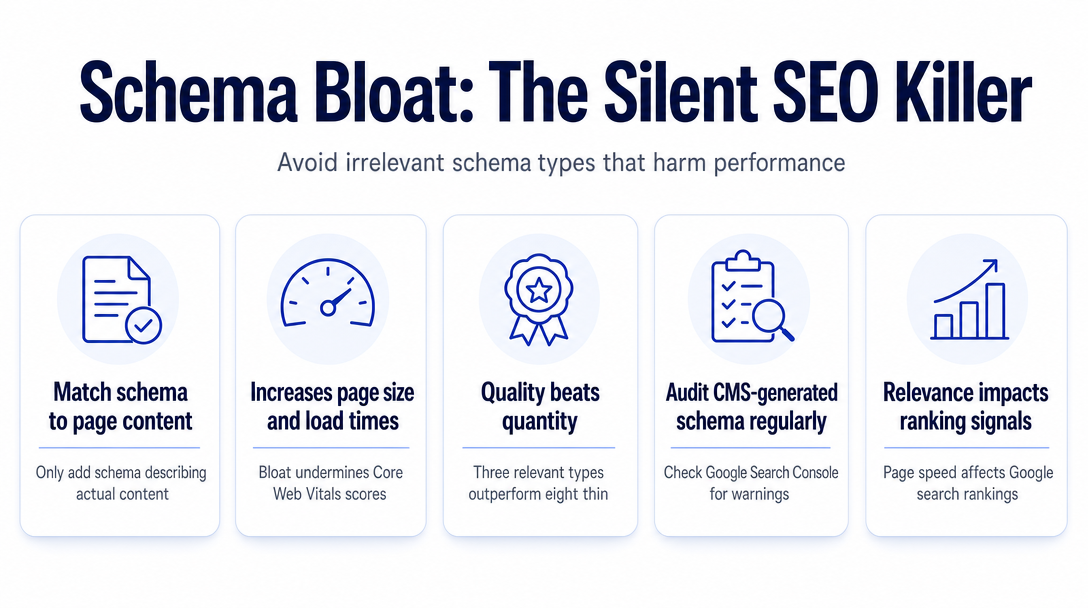
Adding more schema types is not always better. Piling up irrelevant schema types increases page size, slows load times, and can undermine your Core Web Vitals scores - the page speed and interactivity metrics Google uses as ranking signals.
Three rules to avoid schema bloat:
- Only add schema that describes content actually present on the page. A home services page does not need
Articleschema. A blog post does not needProductschema. - Three relevant, complete schema types outperform eight thin or irrelevant ones.
- If your CMS plugin generates schema automatically, audit it periodically in your Google Search Console Enhancements tab. Incorrect or unsupported types surface there as warnings before they become problems.
Quality and relevance per page beats volume every time.
Your Per-Page Schema Map for an Australian Small Business Website
Use this as a reference when implementing. The table covers a typical Australian SMB site structure.
| Page | Schema Types to Add |
|---|---|
| Home | LocalBusiness or Organisation + BreadcrumbList |
| About | Organisation (reinforce) + Person (founder/owner) |
| Each Service Page | Service + BreadcrumbList |
| Blog / Article Pages | Article or BlogPosting + BreadcrumbList |
| FAQ Page | FAQPage + BreadcrumbList |
| Contact Page | LocalBusiness (address and hours confirmation) |
Notes for sole traders and service-area businesses:
If you operate without a fixed shopfront and prefer not to publish a home address, use Organisation schema with a serviceArea field specifying the suburbs or regions you cover. You are not required to include a street address.
The Person schema on your About page is worth adding even if you are not a content publisher. AI engines increasingly weight named, linkable individuals over anonymous business entities when deciding citation credibility. A Person entity with your name, a brief description, and links to your professional profiles strengthens your overall entity signal.
Revisit the sameAs field in your LocalBusiness or Organisation schema after setting up. It should include your Google Business Profile URL, your LinkedIn URL, your Facebook page URL, and any other platform where your business has a verified presence. This is how AI engines confirm your website entity and your social/map presence are the same business - a coherence signal that matters for AI citation.
Frequently Asked Questions
What is schema markup and how does it help AI search? Schema markup is structured data code added to your website that tells AI engines - ChatGPT, Perplexity, Google AI Overviews - what your business is, what it offers, and where it operates. Unlike prose content, schema is machine-readable by design, which makes it a direct signal layer for AI citation systems.
Should I use Organisation schema or LocalBusiness schema for my Australian small business?
Use LocalBusiness if your business has a physical location customers visit or if you serve a defined geographic area. Use Organisation if you operate entirely online with no physical premises. Sole traders without a shopfront can use LocalBusiness with a serviceArea field instead of a street address.
Does FAQ schema still matter after Google deprecated FAQ rich results in May 2026?
Yes, with an important distinction. Google confirmed in May 2026 that FAQ rich results - the expandable dropdown blocks in Google Search - are no longer displayed. However, FAQPage schema continues to signal question-and-answer content to AI crawlers like ChatGPT and Perplexity, which use it when selecting sources for AI-generated answers. Add it for AI citation value, not for Google SERP display.
How do I add schema to my website without a developer? Three paths work without any coding: check whether your CMS plugin (Yoast SEO or RankMath on WordPress) is already generating schema; use a free JSON-LD generator like iloveschema.com to produce copy-paste code; or use an AI tool like ChatGPT to draft the JSON-LD for your specific schema type. Paste the resulting code into your CMS's "Header Scripts" field or inject it via Google Tag Manager.
What is JSON-LD and why does Google recommend it?
JSON-LD is a JavaScript snippet placed in the <head> of a web page. Google's official structured data documentation recommends it as the preferred format because it sits separately from your HTML content - you declare your structured data without modifying the visible elements of your page, which makes it easier to add, update, and maintain.
Can too much schema hurt my website? Yes. Adding irrelevant or excessive schema types increases page size and can slow load times, which affects Core Web Vitals scores. Only add schema types that match the content actually on the page. Three complete, relevant types perform better than eight thin or mismatched ones.
Not sure which schema types your site is missing? Fulcrum AI crawls your website, scores your GEO and AI-search visibility, and generates the exact JSON-LD code for the types you need - ready to copy and paste, with no developer required. Start with a free preview at $0, or unlock the full audit for $99/month AUD.